N8N Mail WORKFLOW Prototype
An assistant for your inbox that prepares everything and never sends anything
This is the real map of the workflow: every box is one step. Press Play and watch a signal travel through them one by one, with narration and sound, in about three minutes. Or pick an example email and follow it yourself.
Get the free prototype on GitHub · Download the ZIP · free to use and change, not to sell · prototype: read the status table in the README before relying on it
The real workflow, in n8n
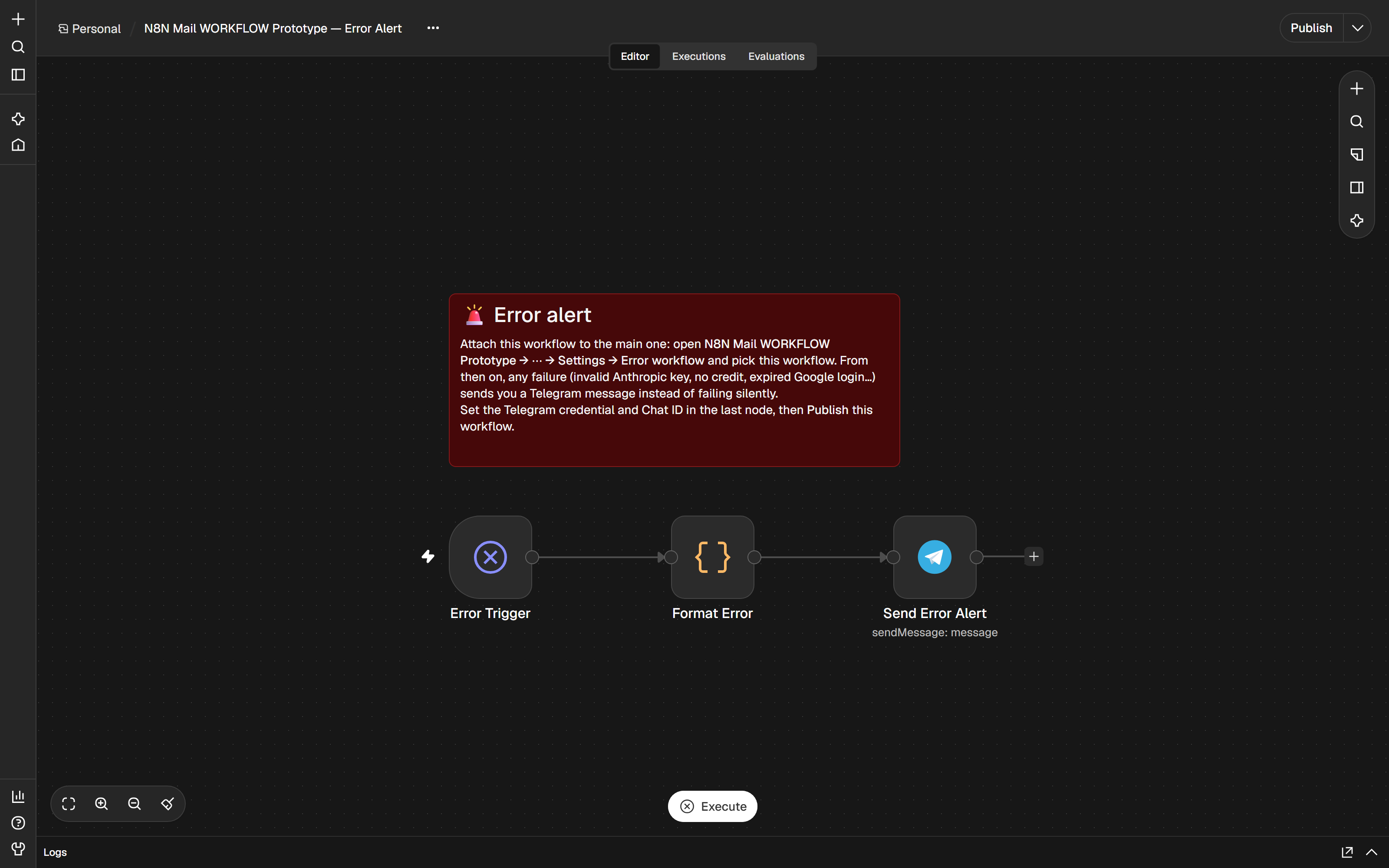
Screenshots of the actual files, taken in n8n right after importing them. Click an image to see it full size.
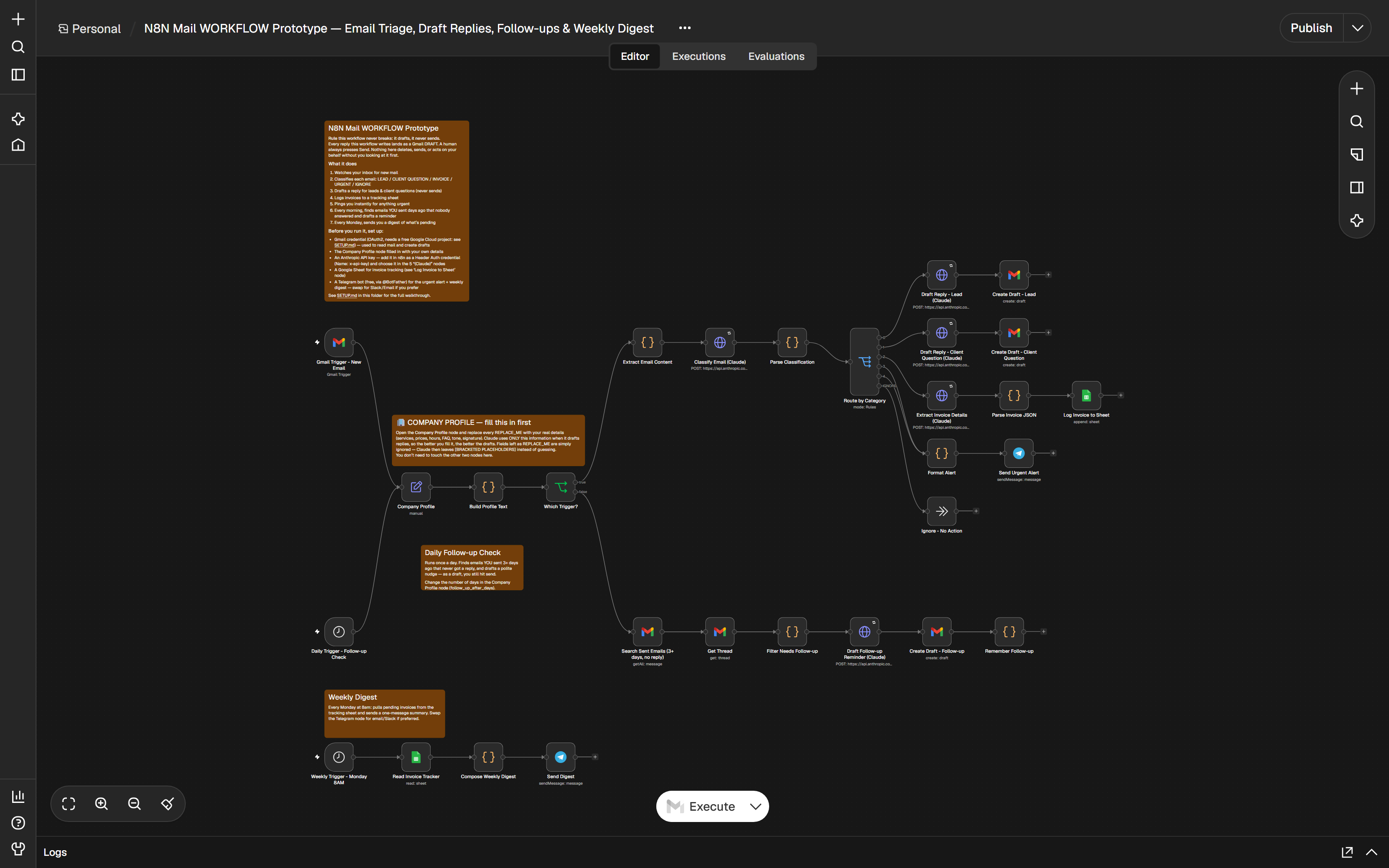
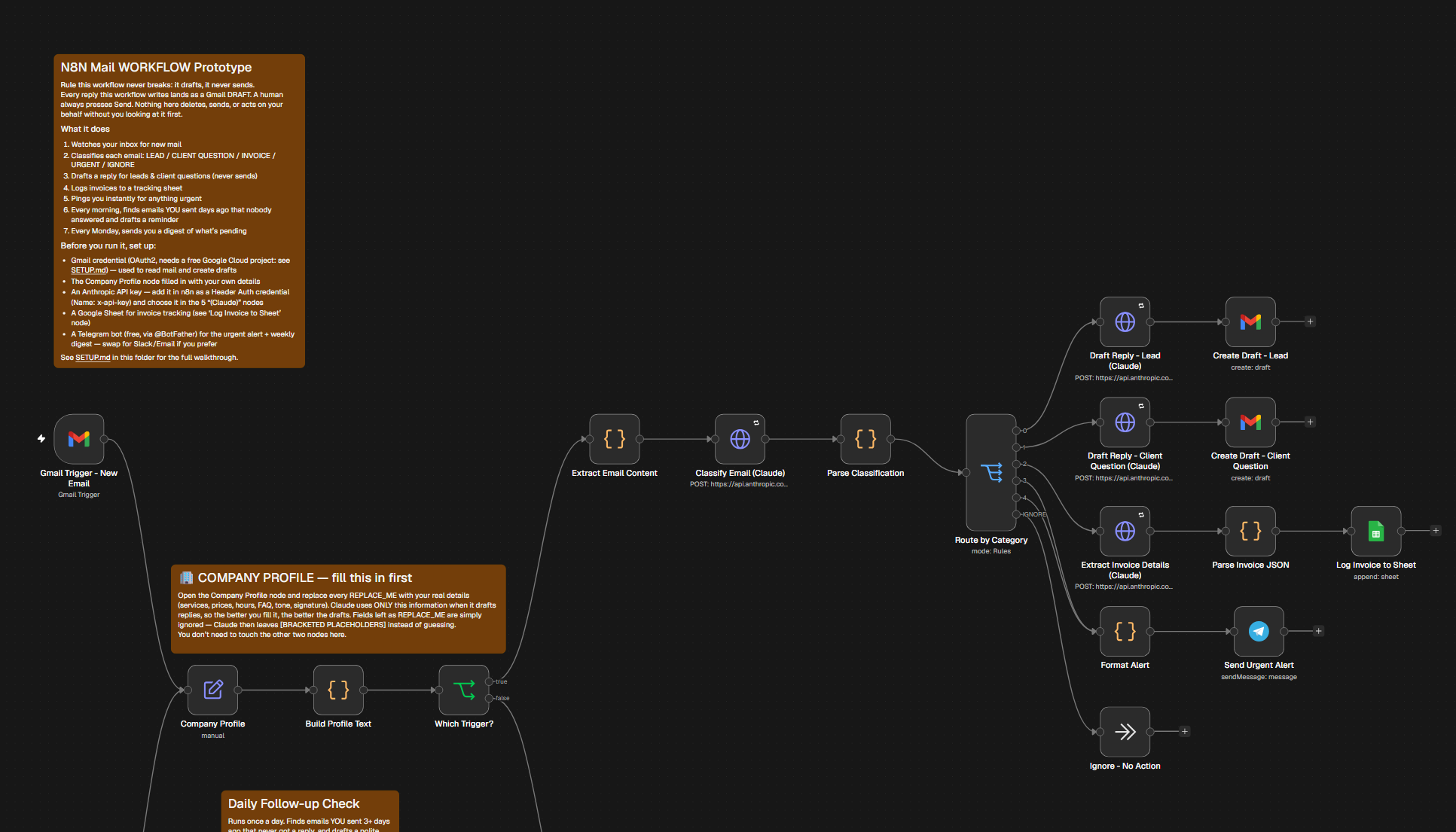
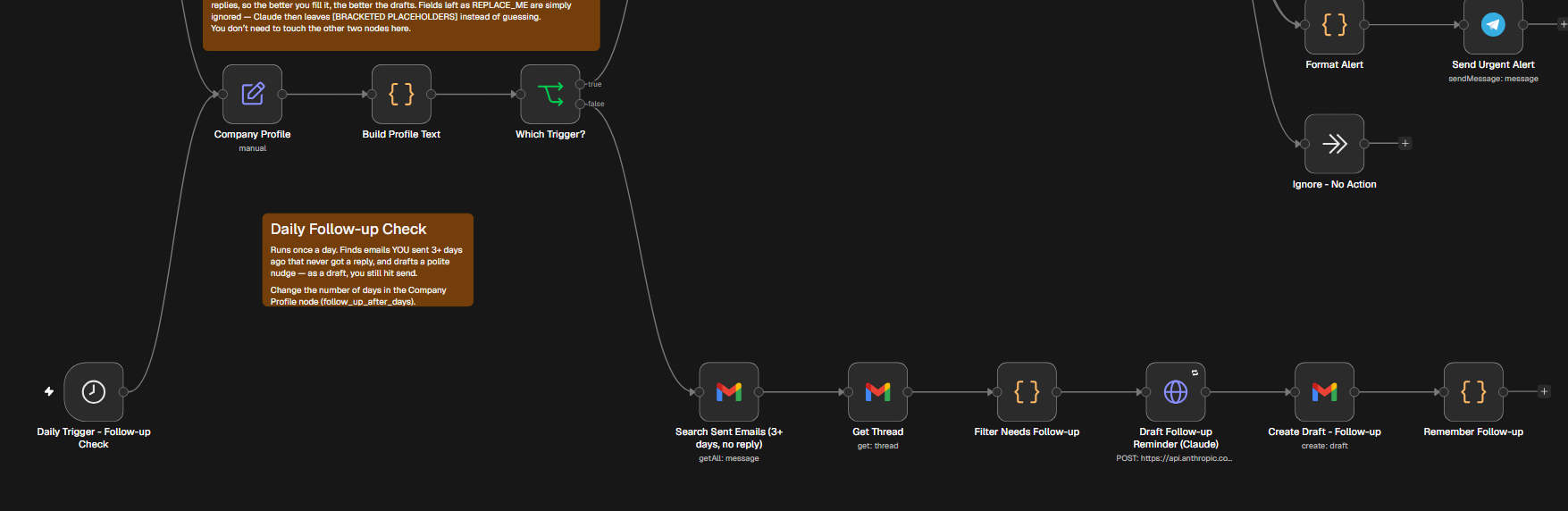
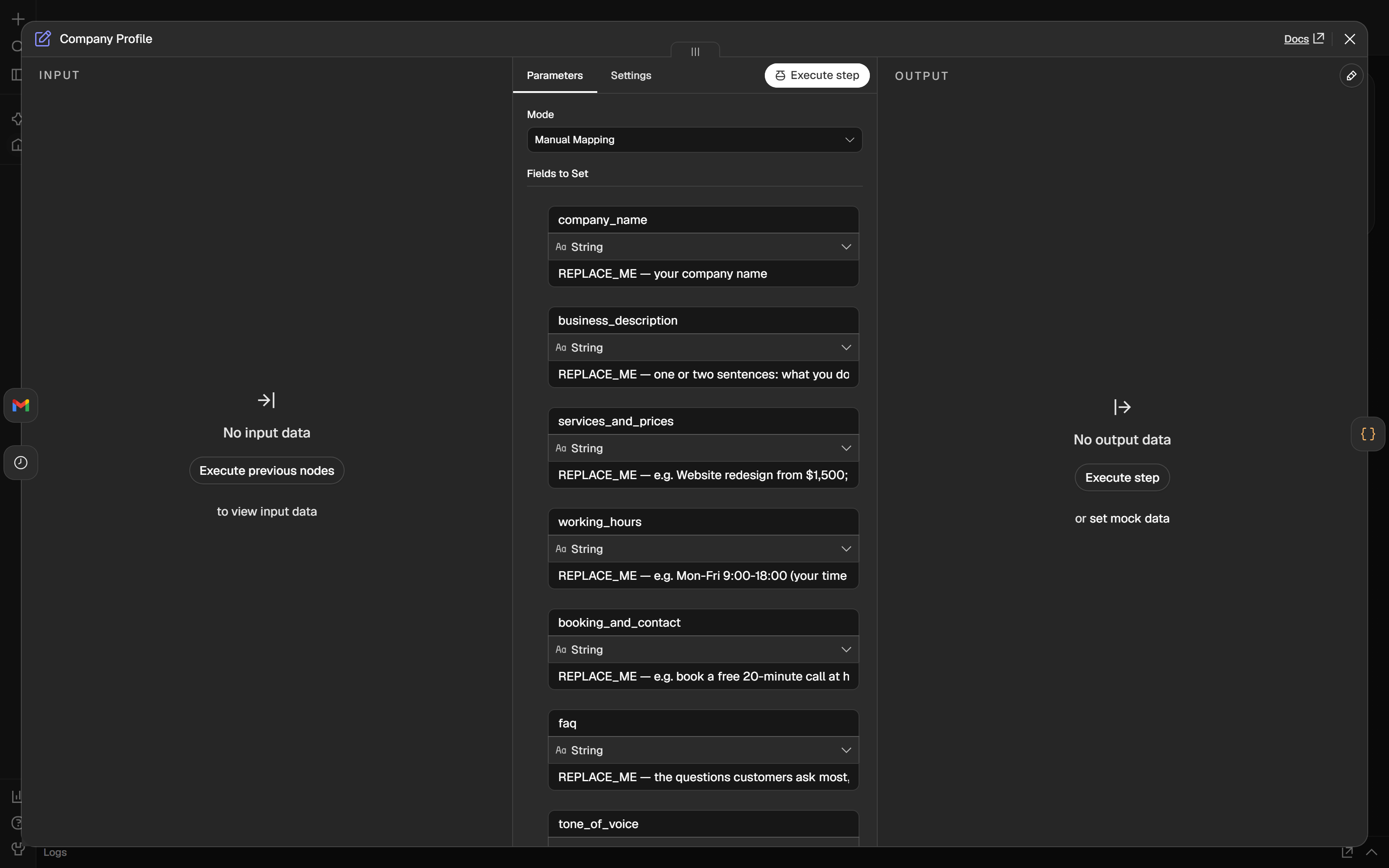
Narration and sound are on. They start when you press Play, and you can turn each one off.
Try it with an example email
Pick an email: the signal goes through the same nodes as in the video, and below you see what you get. The examples are made up.
The incoming email
What you get
What you need to get started
These are the steps of the setup guide, in short.
- n8n, always on. It is the program that runs the workflow. If it stops, emails wait.
- A connected Gmail account. It needs a free Google Cloud access, set up once: allow 20 to 30 minutes.
- An Anthropic API key. Pay as you go, with a monthly spending limit that you set yourself.
- A Telegram bot and a Google Sheet. The first for alerts, the second for invoices. Both are free.
- A filled-in Company Profile. Services, prices, hours, tone of voice and signature: this is where Claude takes its facts.
Good to know before you use it
- It never sends email on its own. Every reply is a draft that you review.
- Claude can be wrong. When its answer is unclear, the workflow tells you instead of ignoring the email.
- Attachments are not read: an invoice that exists only as a PDF lands in the sheet with the status "needs_review".
- The text of your emails is sent to Anthropic to be processed.
All emails, names and figures on this page are made up. This is a free prototype. The video shows how the workflow is designed to behave; real results depend on your own emails and your Company Profile.